Part 1 covered the story and the four rules that came out of it. This post is what is actually running underneath. The Unity setup, the systems on top of it, and two decisions where the useful work was taking something out rather than putting something in.
Setup
Unity 6000.4.6f1 on URP 17.4, New Input System, targeting WebGL. I kept a desktop build as a high quality capture source for the trailer.
One scene, no additive loading. The slice is small enough to bake as a single lighting scene and that keeps WebGL loading simple, which matters more than it sounds when the whole thing has to come down a browser connection.
Some of the player verbs already existed from the starter assets. Walk, look, sprint, crouch, a raycast interactor, pick up, doors, light switches and a flashlight. Movement got tuned hard for horror, with walk capped around 2.2 m/s and sprint at 3.6. Slow players look at rooms and fast players look at geometry.
Everything else was new. Examine, journal, clues, puzzles, objectives, scripted events, ambient audio zones, flickering lights, a presence director and the map. Thirteen managers by the end of it, which is about where it sits at the moment.
Telling the player what they are looking at
The reticle used to be one white dot that swelled a bit on hover. It is now four states, picked from whatever the raycast is hitting.
| State | Size | Means |
|---|---|---|
| Dot | 12px | nothing |
| Ring | 26px | interactable |
| Magnifier | 34px | a pickup or something readable |
| Key | 34px | a locked door that a key opens |
The key state is the one that earns its place, because it means a locked door reads as locked before the player tries the handle.
It is deliberately not gated on the player already holding the right key. That a door wants a key is the information worth showing, and hiding it until they have the key leaves the door reading as scenery on the exact pass where the hint matters.
The four sprites are generated as anti-aliased PNGs with the dark rim baked into the same texture as the white fill. Image.color multiplies, so a yellow tint leaves white going to yellow and black staying black. One sprite carries two colours and the whole set recolours from a single field.
The step I deleted
Opening a locked door used to take seven actions. Click the door and get told it is locked, Tab to open the inventory, click the slot, click Equip, Tab to close, then click the door again.
Before I optimised that flow I checked what it was for, and it turned out to be nothing. A search found only two places in the whole game that read the selected item as a gate, the door script and the fuse receptacle, and each of them names one specific item. There was never a wrong choice to make. The equip step was ceremony around a decision the game had already made.
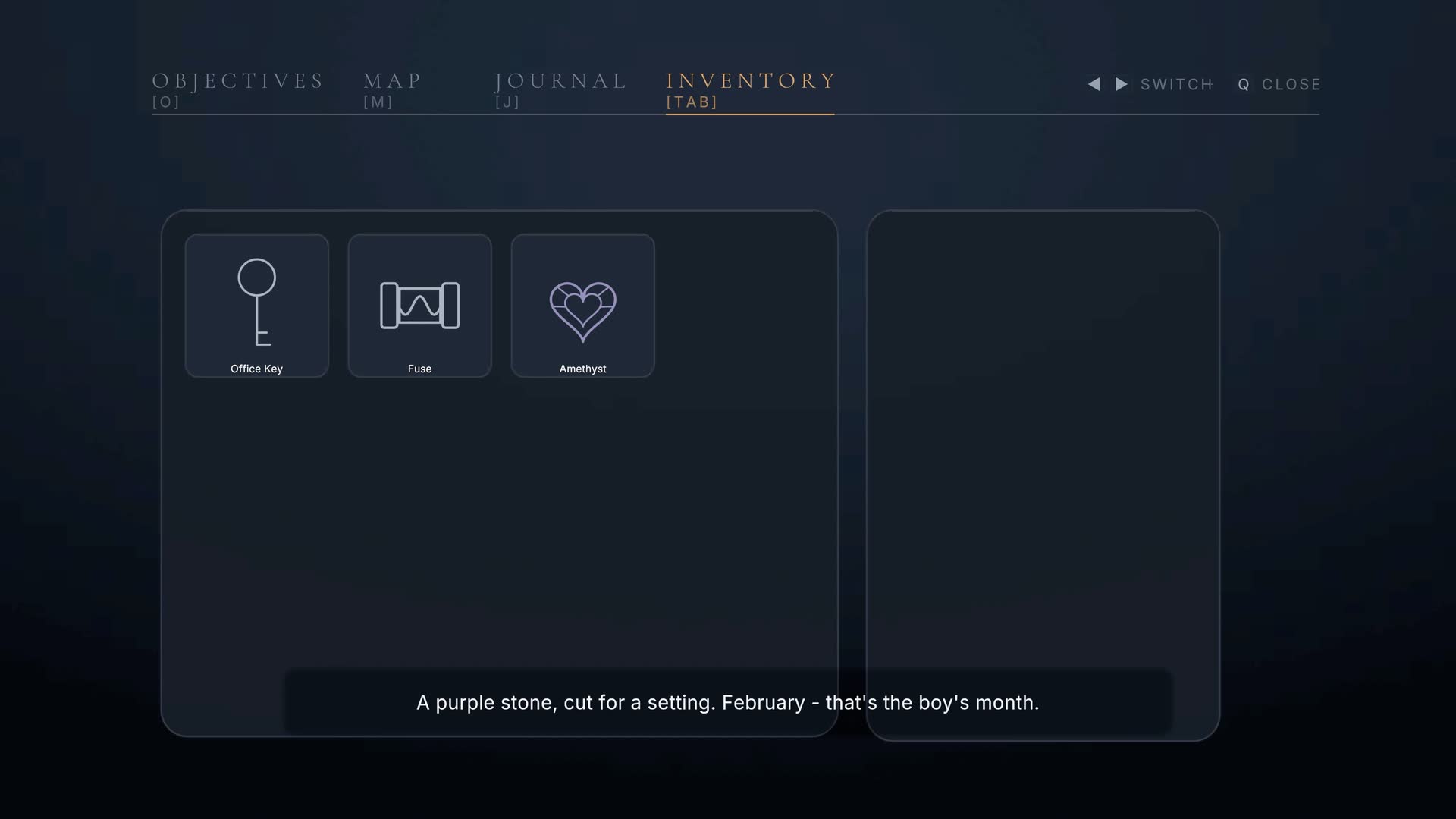
It is one click now, and the prompt names the item. "Unlock with Downstairs Bathroom Key". That phrasing matters because it makes the one click read as recognition rather than magic. The Equip and Un-Equip buttons went, and the equipped item HUD slot went with them.
The inventory stopped being a loadout and became a record of what has been found, which is what it always was really.
The rule that nearly soft-locked the game
Once keys were not being equipped any more it followed that a spent key should be consumed. A used key is just clutter in a bag that should read as what is still live.
The obvious version of that breaks the game permanently. The Downstairs Bathroom Key is the required key on two separate doors. Consume it on the first one and the second is shut forever, with the only way through already thrown away, and the player has no idea anything has gone wrong.
A per-door tickbox saying do not consume this one would work right up until someone adds a third door and forgets to tick it. So the key is only removed when no other still-locked door wants it, checked against the live scene at the moment of unlock, inactive objects included. The flag means may be consumed, not will be.
I checked it end to end. The first bathroom door keeps the key, the second spends it, and the office key opens one door so it goes on first use.
If everything opens, nothing means anything
The house asset ships with 121 openable objects, 64 of which are cabinets, and the auto-adopt bridge happily made every one of them work. That sounds generous and it is actually the row of empty cupboards problem. If every cupboard opens and 60 of them are empty then opening cupboards stops meaning anything.
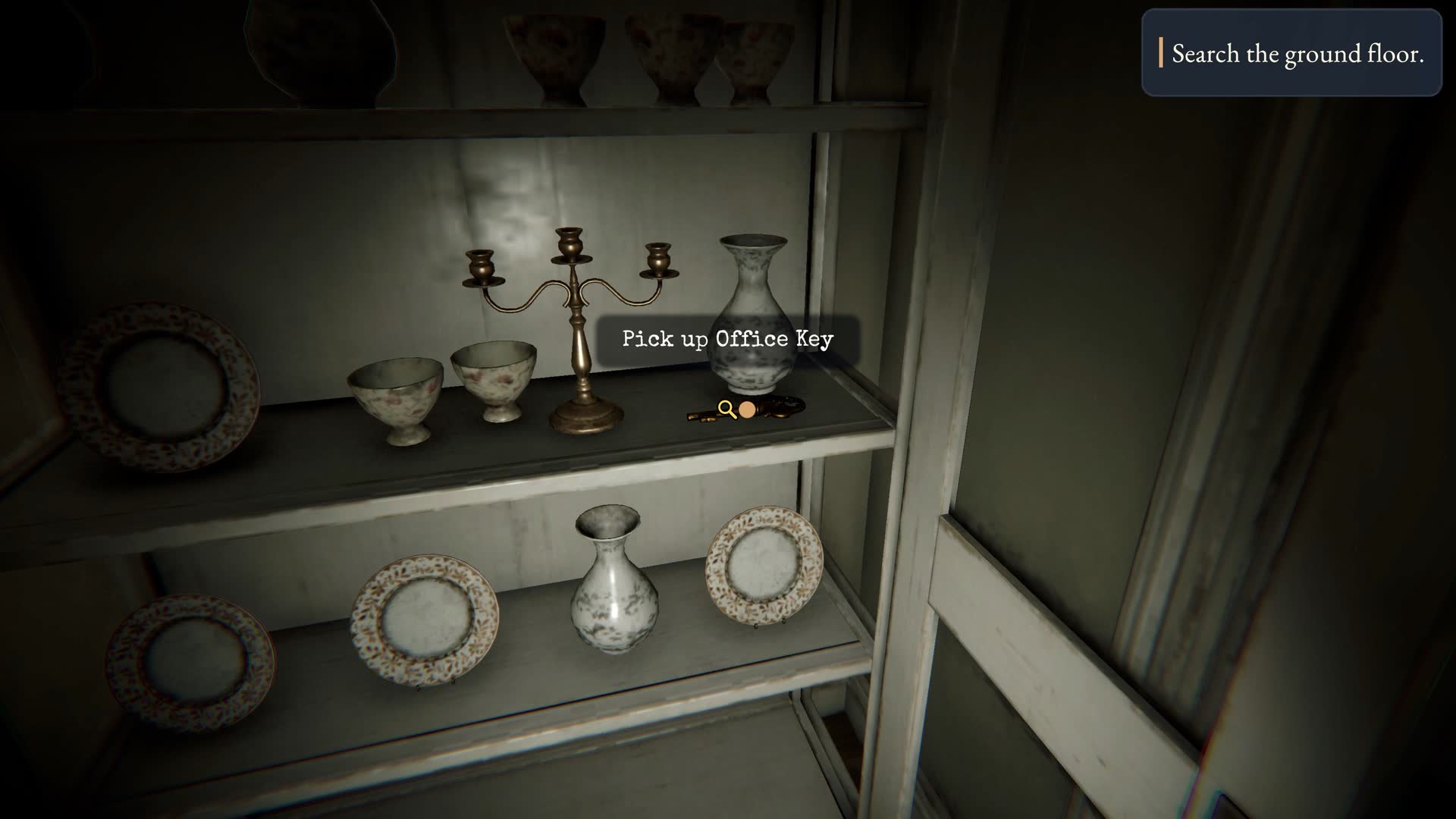
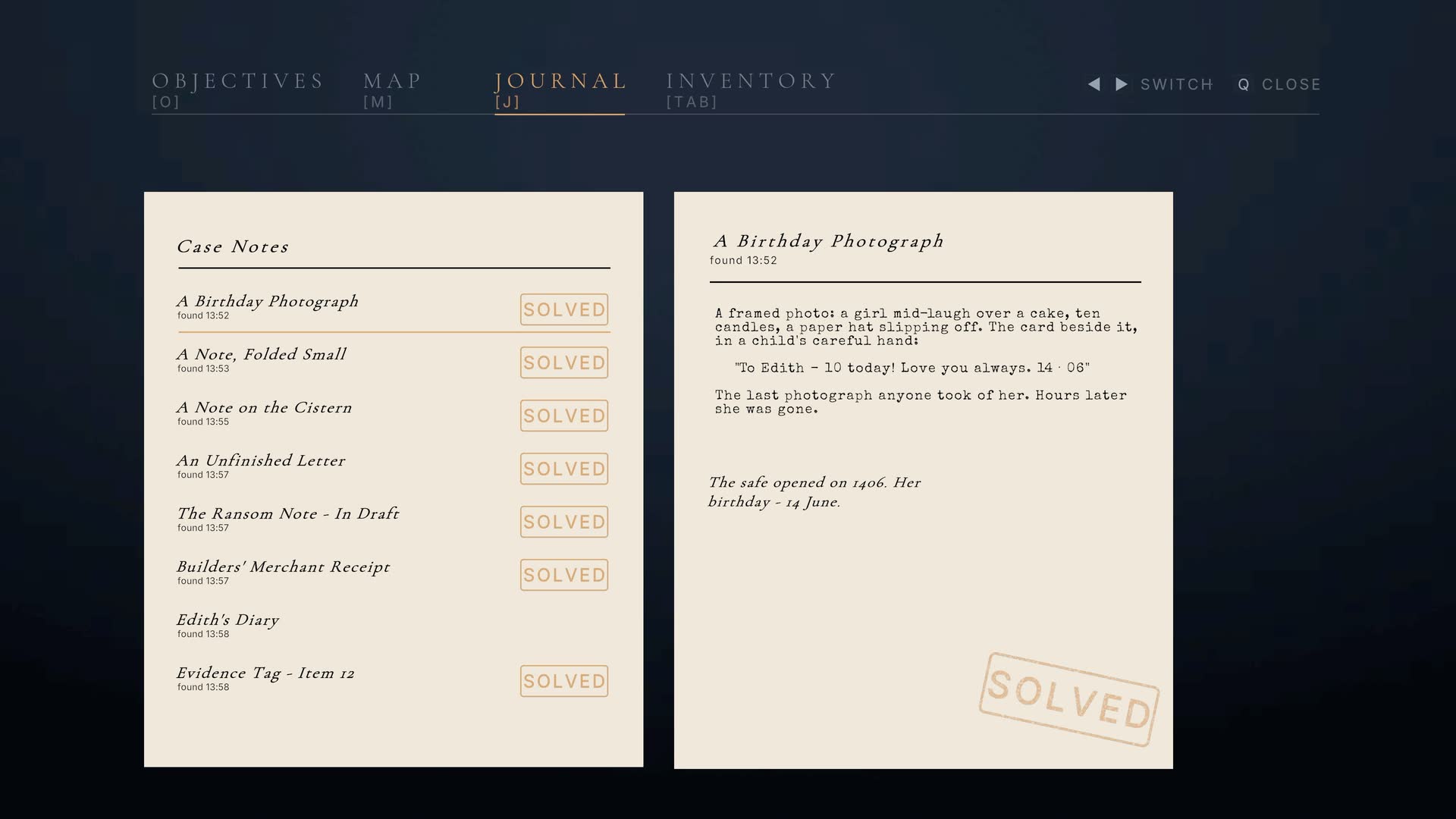
I curated it down to 38. Twenty-four doors, 8 cabinets, 3 appliances, 2 sideboard doors and a drawer. Every cabinet that survived was picked for sitting next to something worth finding, like the TV room unit with the office key 20cm away, or the dining room one with the birthday photograph in it.
Splitting furniture doors out from room doors also fixed a live bug. Thirty-six of them were being classified as room doors purely because the mesh was named Door_A_L, so 28 bookshelf doors and 8 side table doors were opening with a full room door slam. What settles the type now is the unit the door hangs on, not the name of the leaf.
The map renders itself
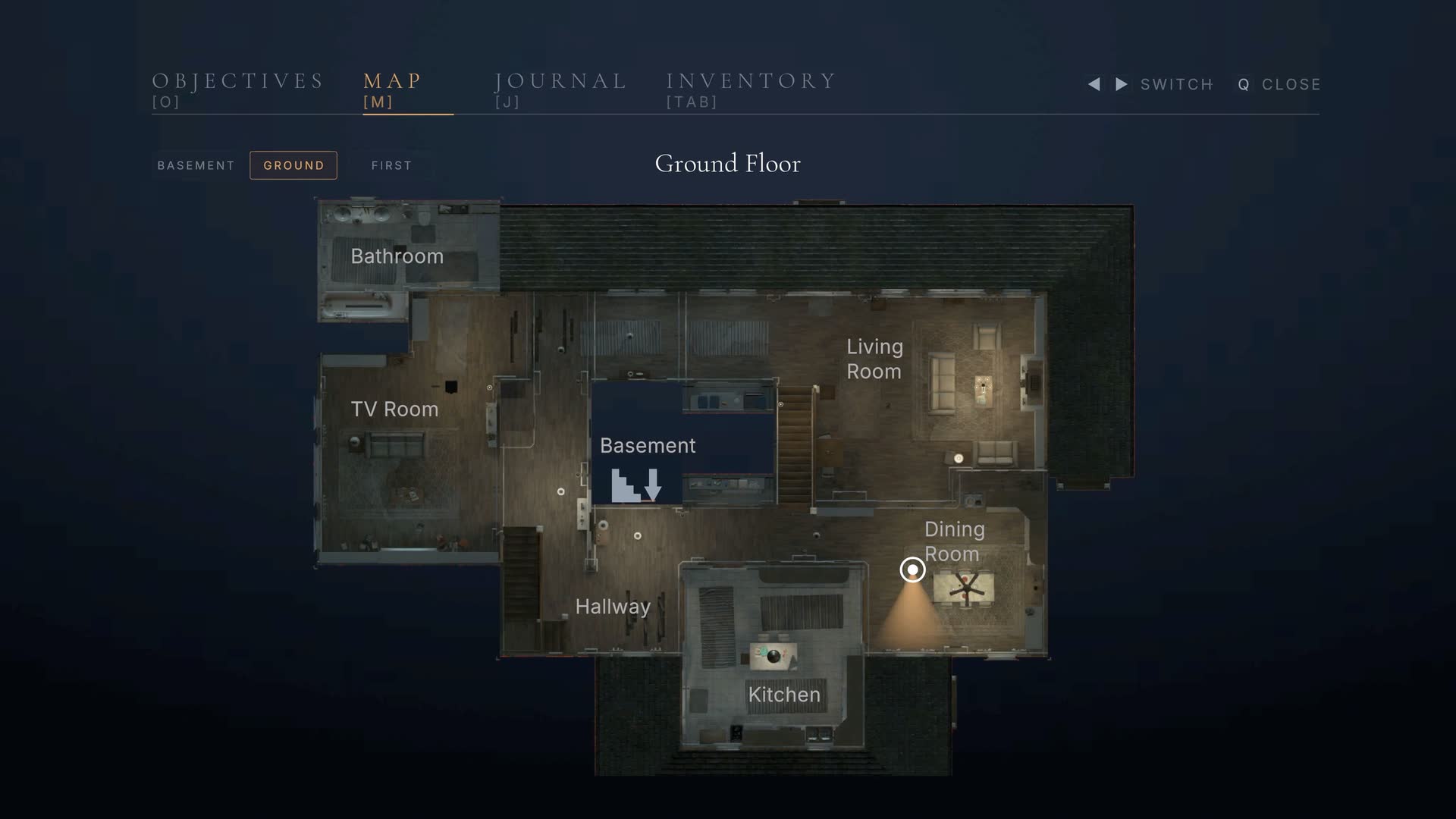
The in-game map is not a drawing. A custom editor tool renders each floor top down from the actual lit scene geometry. It keys the editor-blue bake background out to a transparent PNG, so the plans sit on the UI panel instead of in a blue box. A live blip and a view cone track the player over the top of it.
The reason to build it that way instead of hand drawing three floor plans is simple. Because it renders the real scene, the map cannot go out of sync with the level. Move a wall, re-bake, done. A hand drawn plan is correct exactly once.
Iterating a beat without replaying the house
The presence beats are keyed to puzzle completion rather than proximity. That is good for pacing and miserable for iteration, because getting to beat four means playing beats one to three first, every single time.
So there is an editor window that lists every cutscene and presence beat in the open scene, with three buttons on each. Play the camera work only, fire the full beat with its puzzle marked and objectives updated, or re-arm a beat so it can fire again. The puzzle manager is one-way by design and raises each event once per session, so without that last button a beat fires once and then never again until you restart.
One thing I wrote into the tool's own documentation, because I kept catching myself out with it. A full beat is not a full playthrough of that moment. Anything hung off the interactable rather than the puzzle id does not re-run. Firing the music box beat gives you the cut and the storm but not the tune, because the tune lives on the music box's own event. Check the real thing once before you call a beat finished.
Play the slice in your browser
Next is Part 3 on the look and feel, where one constraint about baked lighting ends up deciding every fixture in the house.
If you have a Unity or interactive project that needs systems built properly rather than bolted on, give me a shout.